
Made by A.W. Lukens with Scribe
1. Navigate to your course.
2. Click the page you want to edit.

3. Click "Edit."

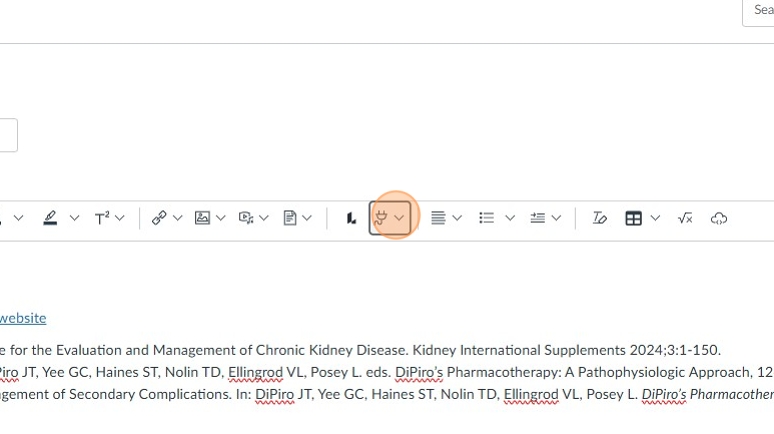
4. Click this icon. I looks like an electrical plug.
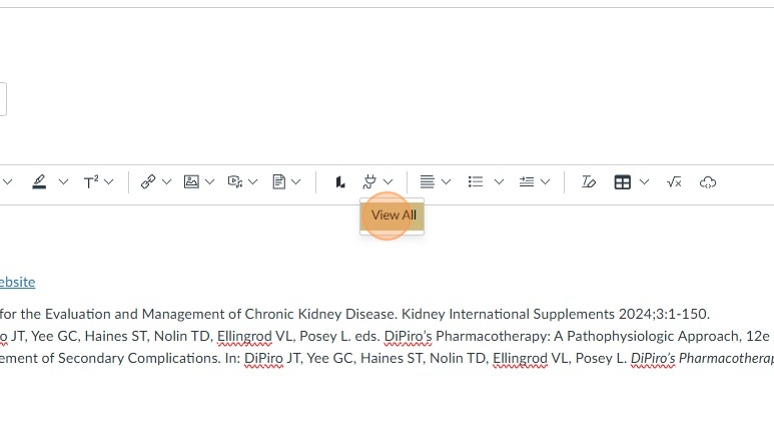
5. Click "View All."
6. Click the "Search" field.

7. Type "panopto."
8. Click "Panopto Recordings."

9. Click "Upload."

10. Drag videos or audio files here or click to find them on your computer.
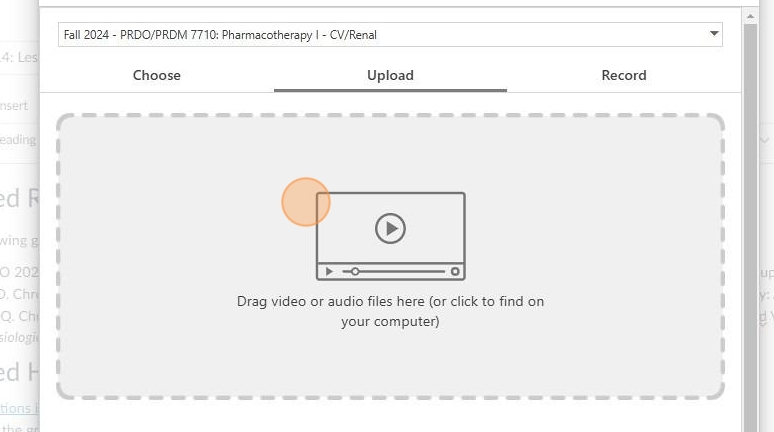
11. The video will load here and show in the course.

12. Click "Close."

13. Click "Save" in the bottom right corner.
Comments
0 comments
Article is closed for comments.