
Made by Shauna Hannon with Scribe
1. From within a Canvas assessment, click the three dots on the right-hand side.

2. Click "Show Rubric."

3. Click "Add Rubric" to add an existing rubric to an assessment.

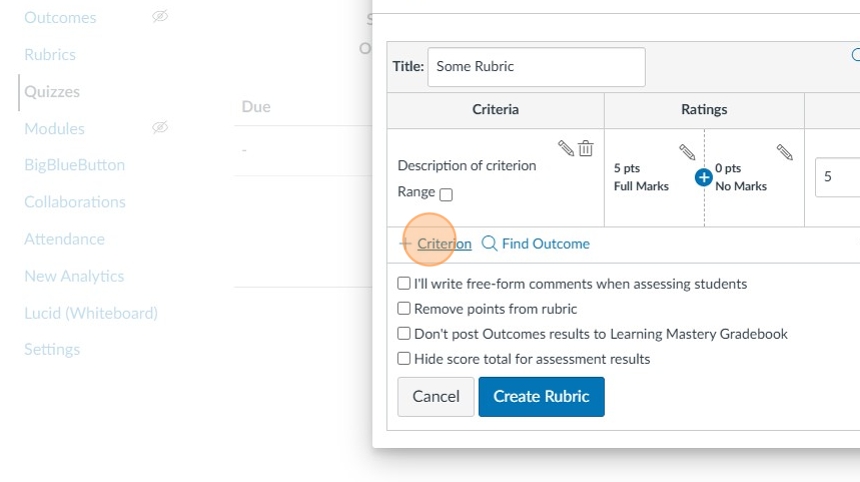
4. Click "Criterion."
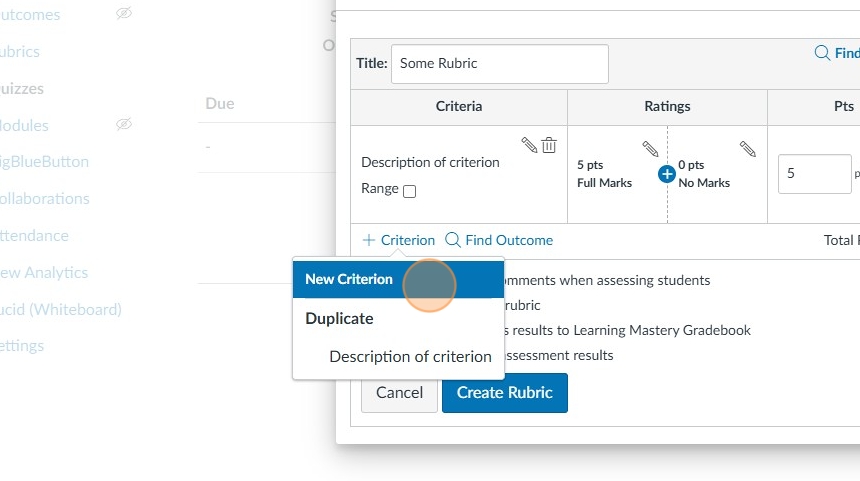
5. Click "New Criterion" to add new criteria rows to the rubric, and to edit the rubric points and descriptions.
6. When complete, click "Create Rubric."
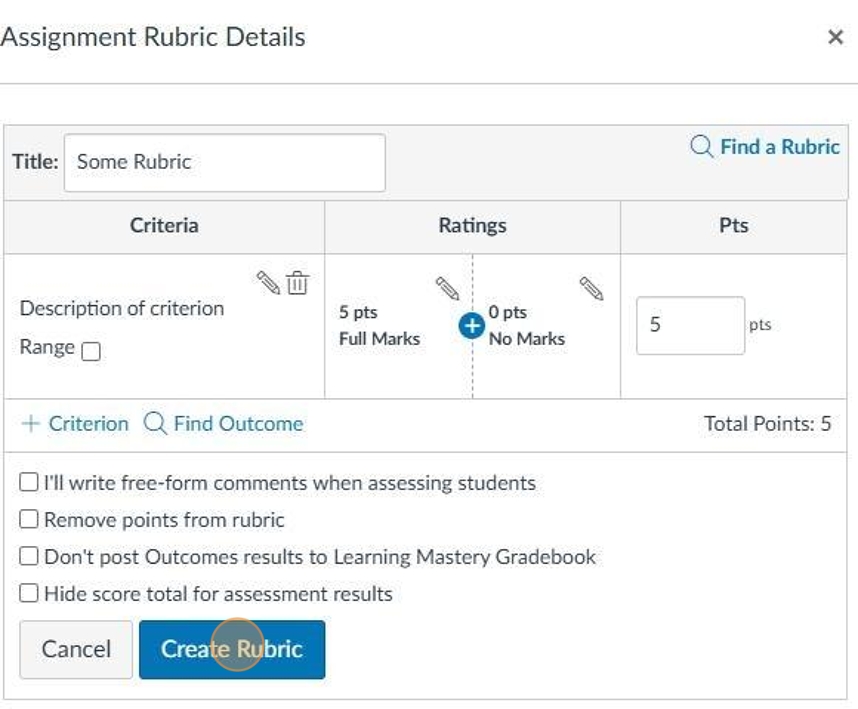
7. Click "Create Criterion" to save your work.

8. To locate an existing rubric to attach, click "Find a Rubric."

9. Locate the rubric of choice, and then click "Use This Rubric."

10. Click "Create Rubric."

Comments
0 comments
Article is closed for comments.