
Made by Shauna Hannon with Scribe
Tip: Tip! Visit this website for more information about how to rekey (or regrade) various question types in Canvas assessments: What options can I use to regrade a quiz in a course?
1. From the Canvas assessment, click "SpeedGrader."

2. In the box to the right of the desired questions(s), type the new amount of points.
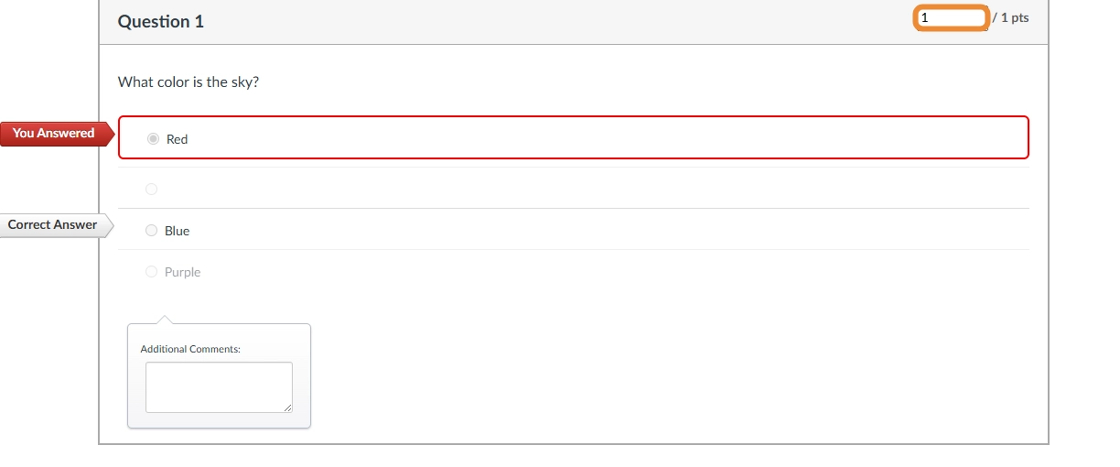
3. Scroll to the bottom, and select "Update Scores."

4. The new amount of points will populate on the right-hand side. Then select "Submit."

Comments
0 comments
Article is closed for comments.